

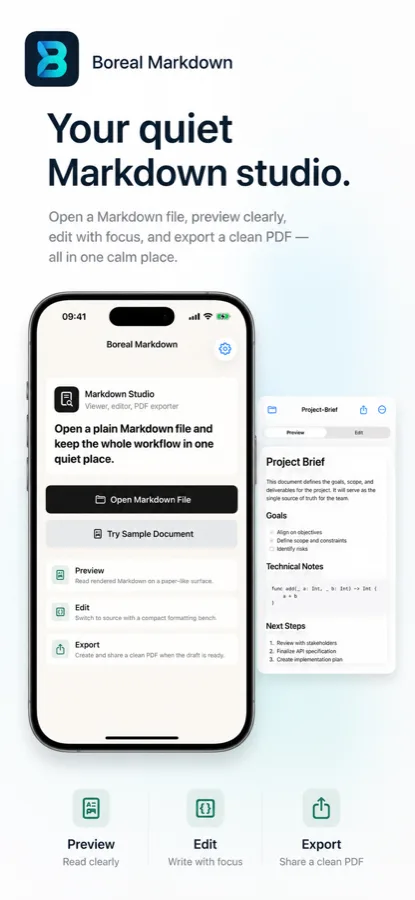
Your quiet Markdown studio.
Open a Markdown file, preview clearly, edit with focus, and export a clean PDF.
One document loop, deliberately finished.
Boreal Markdown keeps the first release centered on the work that matters after a file opens: read the rendered document, make a small source edit, save intentionally, and produce a shareable PDF.
- Preview
Read headings, lists, links, checkboxes, and code on a paper-like Markdown surface.
- Edit
Switch to source, use compact formatting controls, and keep the file state visible.
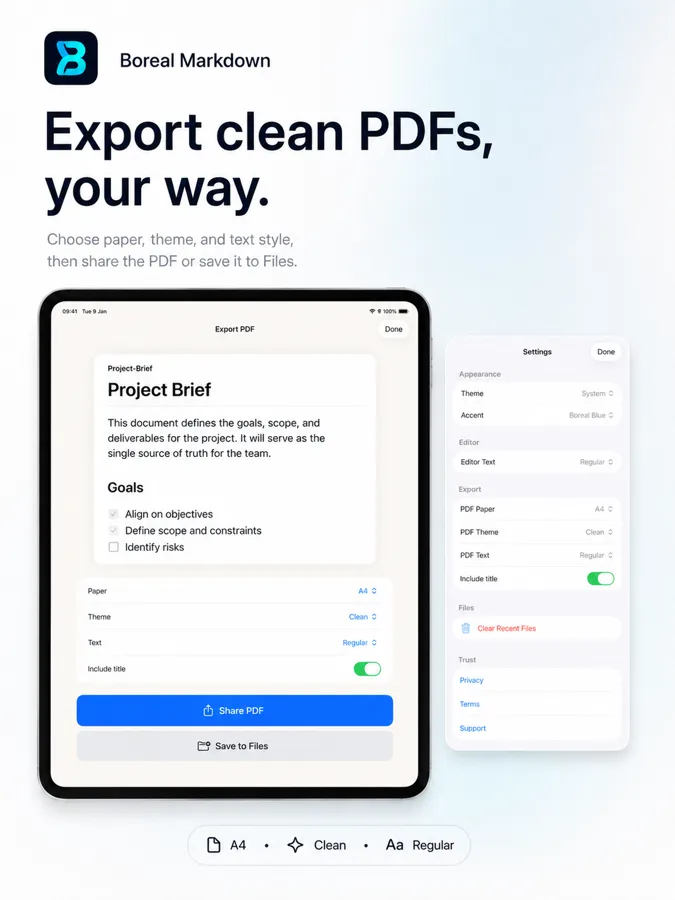
- Export
Choose paper, theme, and text settings before sharing, saving, or printing the PDF.
Designed around real Markdown files, not a new content silo.
The app stays close to the file. It opens plain Markdown through iOS file access, shows a readable preview first, then lets source editing and PDF export happen in the same quiet workspace.
See what the first release includes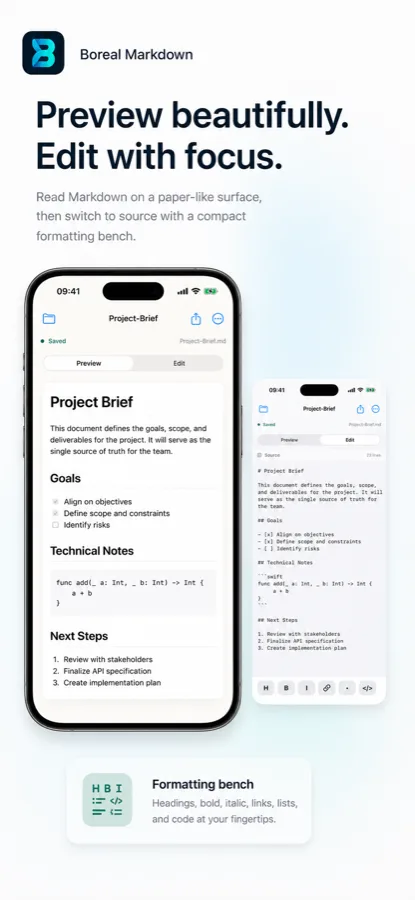
The file remains the product.
Boreal Markdown does not ask you to move documents into a hosted account, send content through AI processing, or depend on a companion cloud service for the core document loop.
- No account
- No hosted document storage
- No AI processing in P0
- PDF export stays user-directed
App Store
Download Boreal Markdown for focused Markdown work on iOS.
Version 1.0 is centered on opening Markdown files, previewing rendered documents, editing source text, saving intentionally, and exporting clean PDFs.